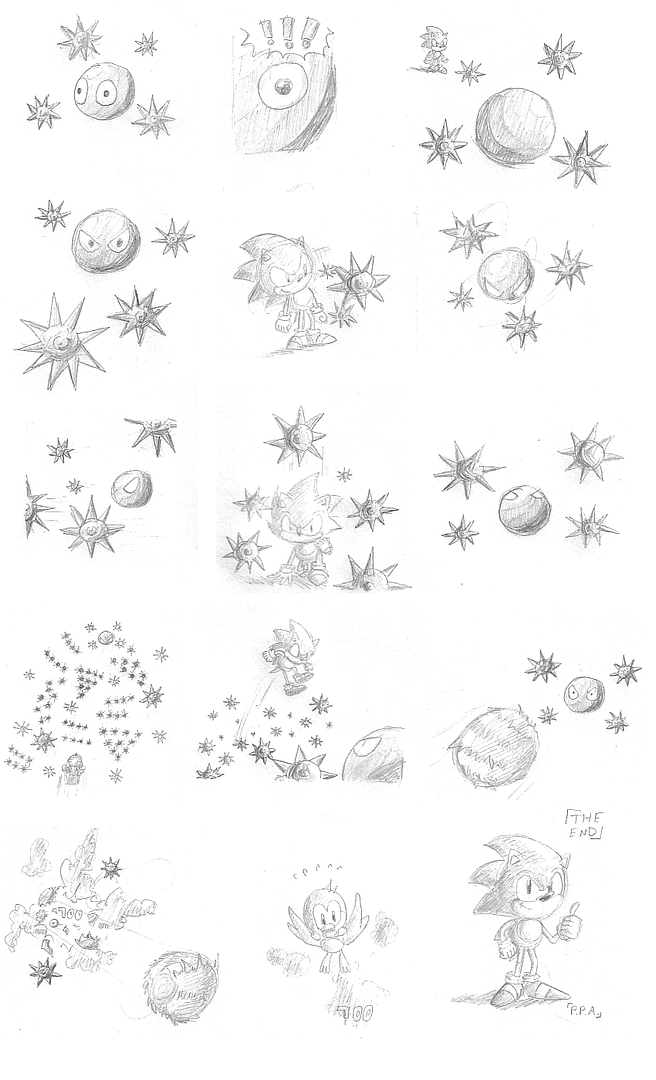
Probably you can find a tutorial on this somewhere for Photoshop, but sometimes it's hard to know what you're looking for when you don't know what the program is capable of. I use PaintShop Pro for my image-editing needs, but I know PS can do the exact same stuff too.

So first you take your scanned image, I took the inked one, and I went into the
Curves Editor. You can do the same thing by adjusting the contrast, but the Curve editor gives you complete control over the process, so if it's more than you want, then just go for contrast or some other filter. The objective is to make your white areas whiter and your black areas blacker, but you don't necessarily want the nasty jagged black lines that you get by decreasing the color count to 1 (ie, line art mode on your scanner), which is easy to work with, but it looks ugly. That link has more info, but basically, the curve represents light and dark, and will initially show you a 45 degree line, representing dark at the top and light at the bottom. You want to bend the curve to resemble a slanted "S" shape, so your dark grey values turn to black and your light greys turn to white. It doesn't have to be perfect, but you can see the result in the second image there, it's a lot cleaner.
Now if you're happy with the lines, you need to take that white space and make it transparent. There may be a better way to do this, but I use masks to create a transparent layer out of my inked drawing. I take the clean line art, and then copy it into a new image (so there's two images), and then cover the whole thing in solid black. Then I choose "create a new mask" and "create from image," and select the image I want to create the mask from, and the method "source luminance." I also have to have "invert mask data" checked. Your program and settings may be different, but that's the general idea, some tweaking may help. The result should be a "mask" of your lineart on one layer. If you look up close at this image and analyze the color of each pixel, you'll find that every pixel is solid black, but the transparency values are varied. Now you can create a new layer below that one, and the color will show through the transparent black, and you won't have those yucky white edges around anything. If you save the image I've made here, you'll find the transparency data is still there (it's a png) on the rightmost section, so you can see what you're trying to get to.
There may be easier ways, but that's my method.